
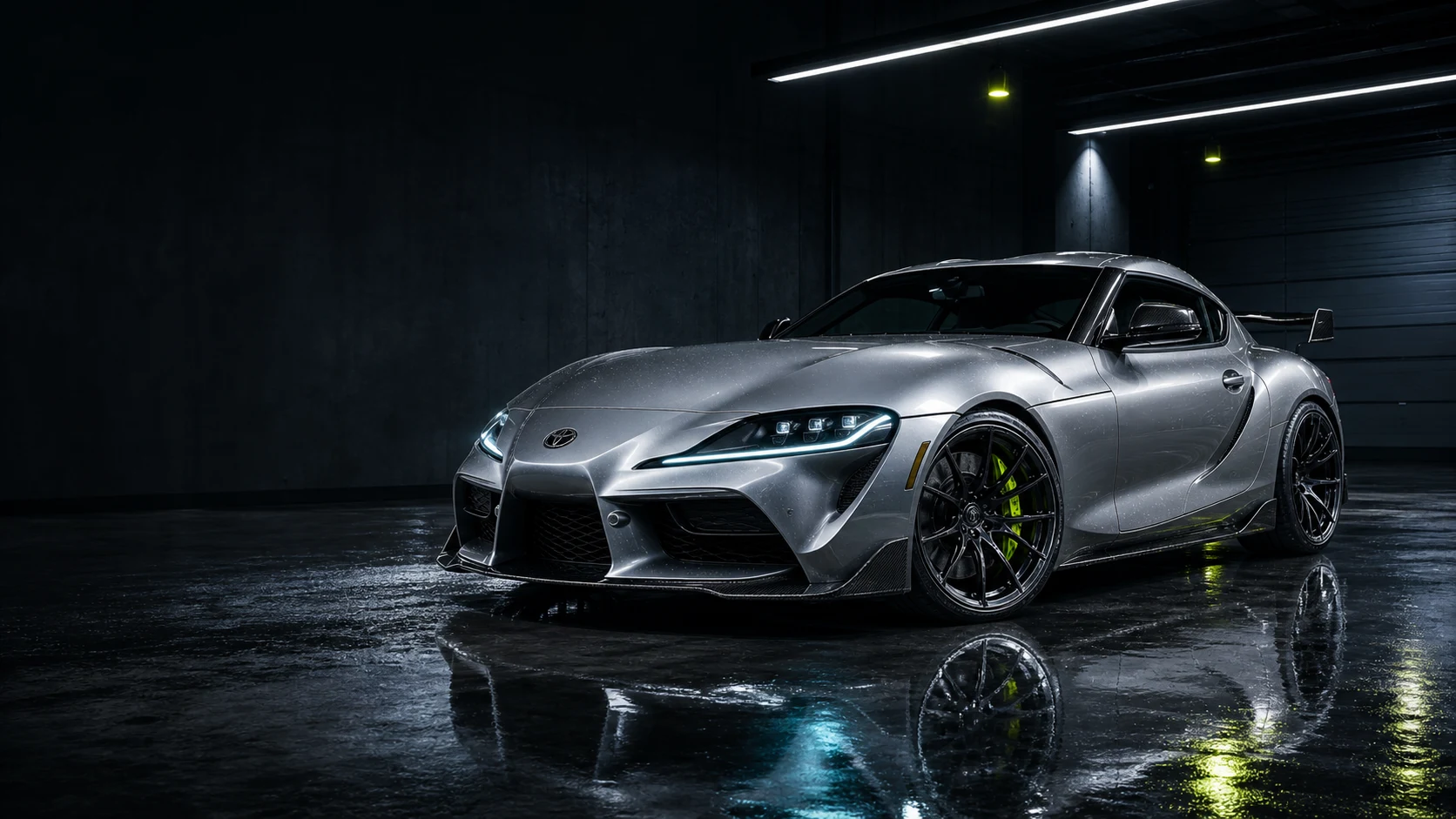
AI car modification tool
Car Mod Visualizer
Preview wheels, wraps, stance changes, body kits, paint, and other vehicle mods from a photo before you buy parts or book the build.
 Before After
Secure & private
Your photos are encrypted and never shared.
AI-powered in seconds
Get realistic visual concepts fast.
100K+ mod concepts
Generated by car enthusiasts worldwide.
Visual concept preview
Not installation advice.
Explore all AI car modification tools
View all tools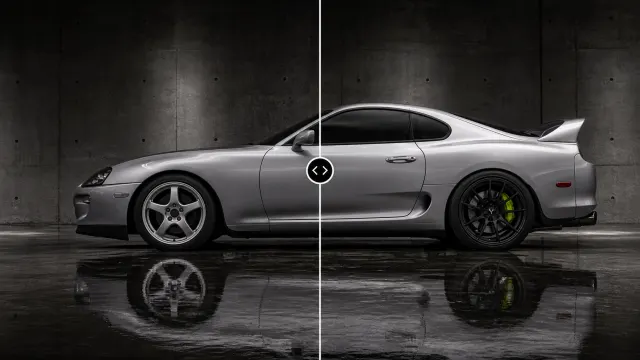
Wheel Visualizer
Preview wheels on your car before you buy. Upload a vehicle photo, use presets or references, and generate realistic visual concepts.
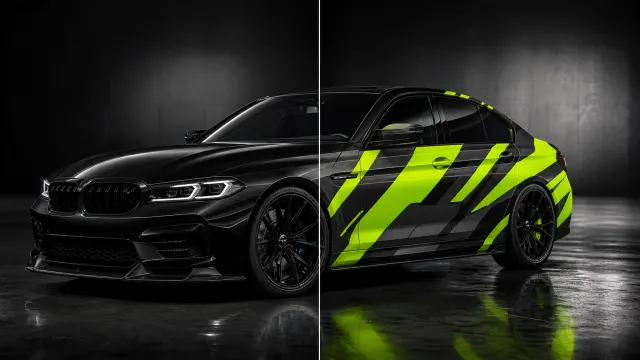
Car Wrap Visualizer
Preview car wraps on your vehicle before installation with presets, references, and realistic AI-generated visual concepts.
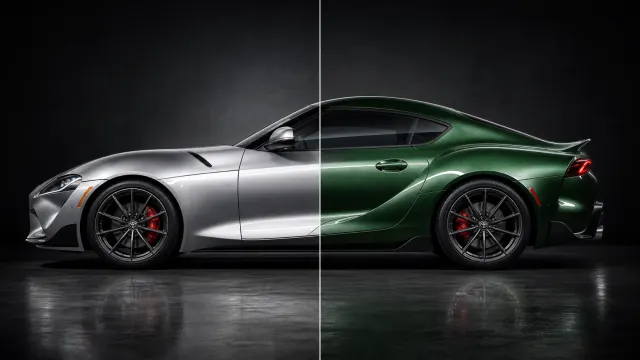
Paint Visualizer
Test car paint colors before you commit with realistic AI visual concepts from your vehicle photo.
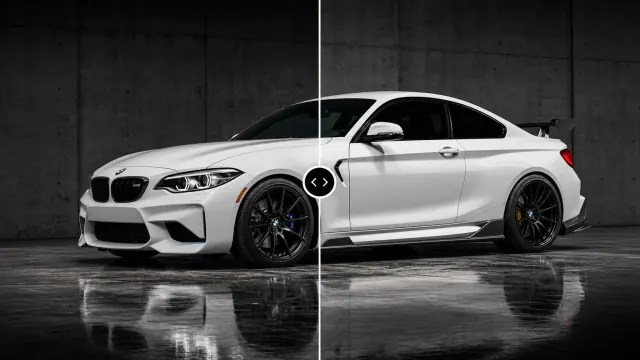
Body Kit Visualizer
Preview body kits on your car before the build with realistic AI visual concepts from presets or references.
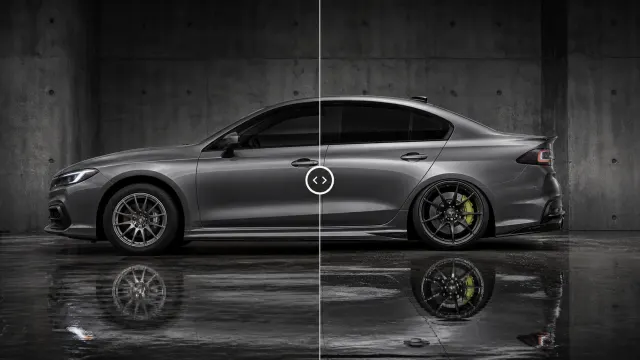
Stance Visualizer
Visualize stance changes on your car photo with realistic AI visual concepts before choosing a styling direction.
The 4 step process
How AutoVisuals Car Mod Visualizer Works
Preview wheels, wraps, body kits, paint, stance, lighting, tint, and background changes from one vehicle photo before you buy parts or book the build.
Upload your car photo
Start with a clear side angle
Drag & drop your photo here
or click to browse
- Clear side angle
- Full car visible
- Good lighting
Choose your modifications
Select wheels, wraps, paint, stance, and more

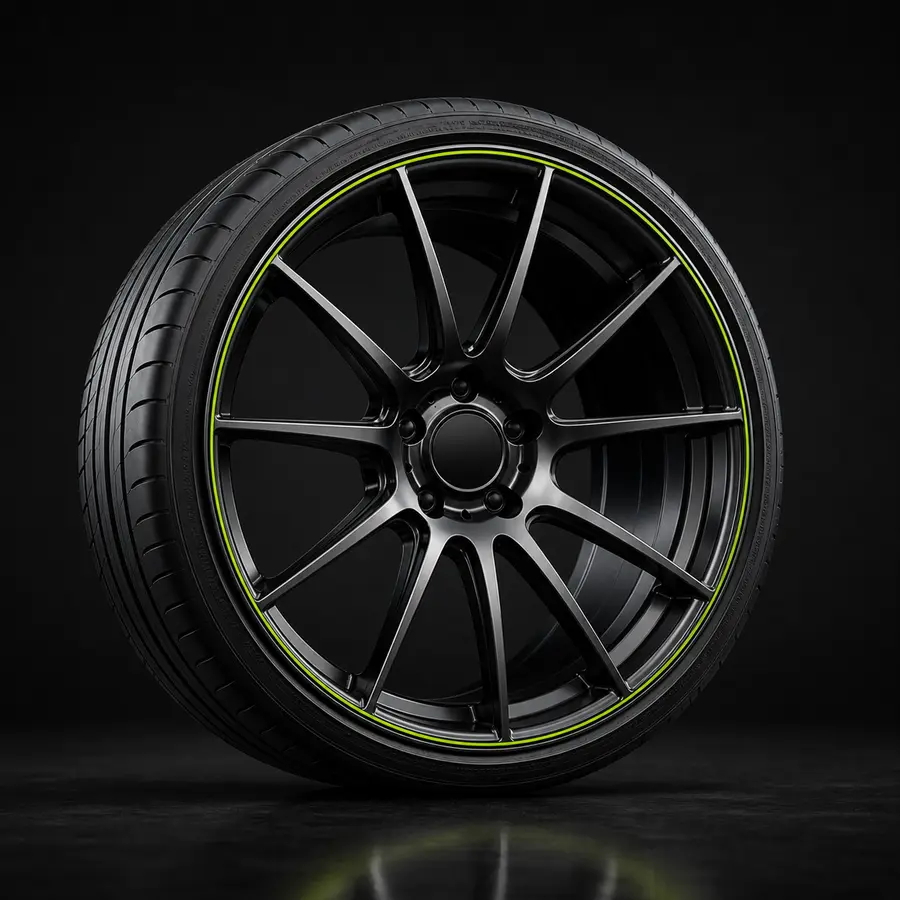
Mix and match to create your perfect look
Pick a background
Keep your scene or replace it
 Original
  Studio Black
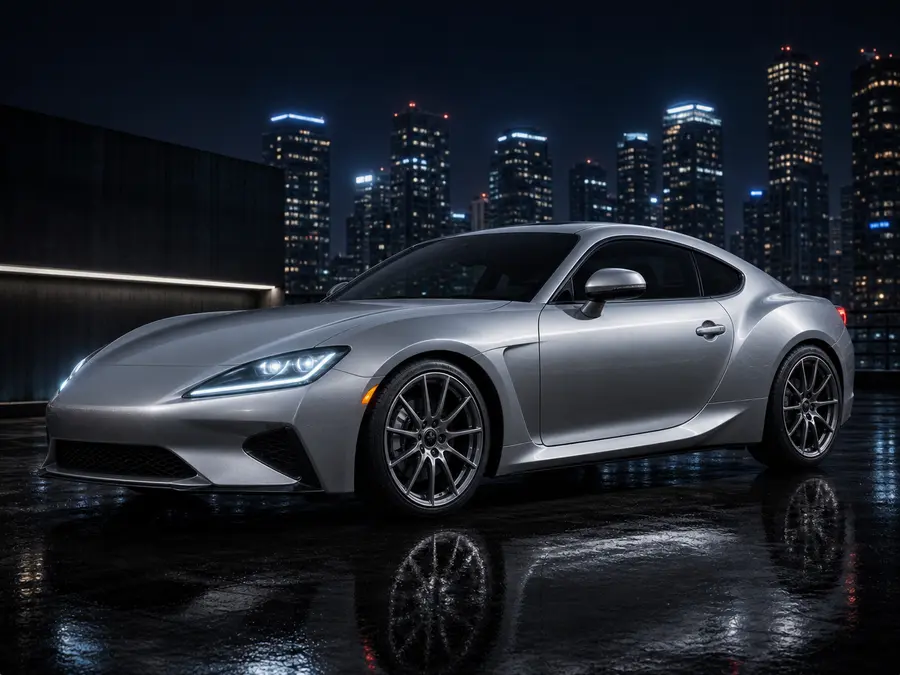
  City Night
  Mountain Road
 Choose from a range of custom car backgrounds or prompt your own AI vehicle scene.
Generate the finished result
Compare the final look before committing
Original ModifiedCompare the final AI car mod concept before committing to parts, paint, wrap work, or a full build.
Make confident decisions
See exactly how mods will look before you spend.
Save time & money
Avoid guesswork and expensive returns.
High quality previews
Realistic, high resolution results you can trust.
Your data is private
Your photos and builds are never shared.