AI stance preview tool
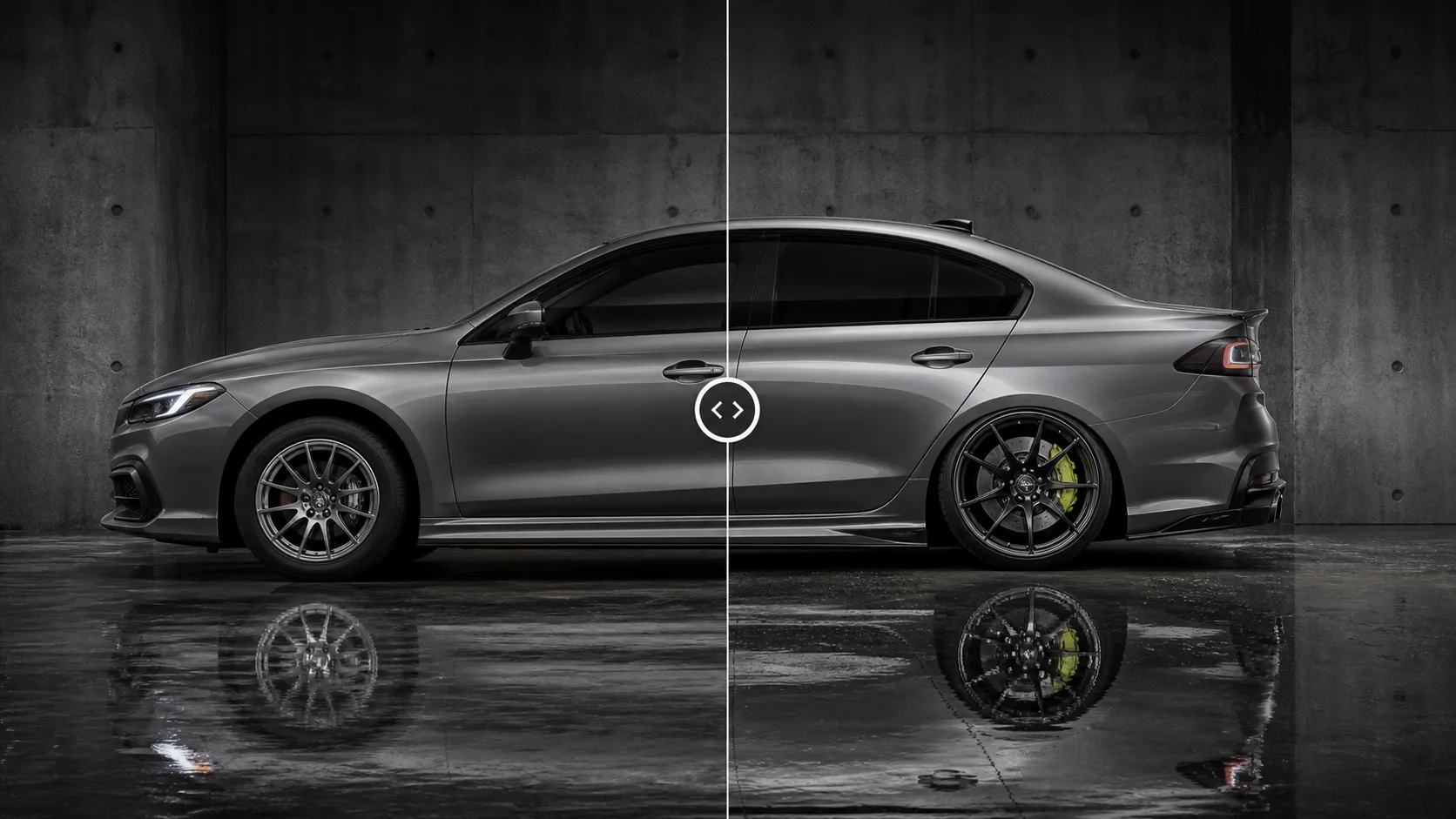
Visualize stance changes on your car photo
Preview lower, cleaner, show-inspired visual stance concepts from your own car photo without mechanical controls.
Upload your car photo
JPG or PNG, clear angles work best
Choose a preset or reference
Use guided styles or your own image
Generate visual concepts
AI creates realistic preview options
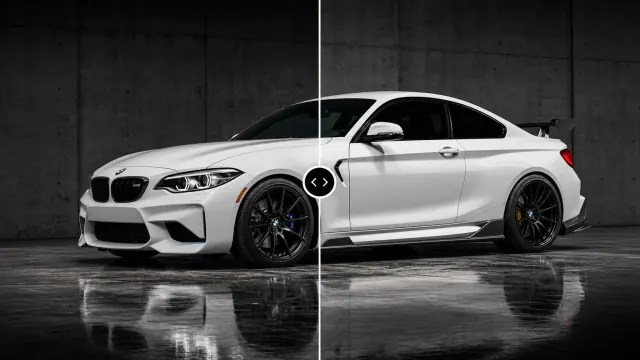
Compare before/after
Pick the direction before you commit
Visual concept only, not legal, safety, or mechanical advice
How it works
- Upload a clear side or three-quarter car photo.
- Choose a visual style preset or upload a reference.
- Generate stance concept previews.
- Compare looks before discussing real-world work.
Photo tips
Side or three-quarter view
Keep the full vehicle visible in the frame.
High resolution
Sharper source photos produce cleaner previews.
Good lighting
Natural light and minimal shadows work best.
Clean background
Simple scenes help preserve the vehicle shape.
Frequently asked questions
How accurate are the previews?
AutoVisuals creates realistic visual concepts from your image and references. Treat outputs as direction-setting previews, not technical specifications.
Can I upload my own reference image?
Yes. You can start from presets or upload a reference image to guide the visual direction.
What file types are supported?
The generator flow supports common image formats such as JPG and PNG.
Is my data private?
Your private inputs stay in your account. Public share pages use safe display copy and do not expose internal prompts.
Explore all AI car modification tools
View all tools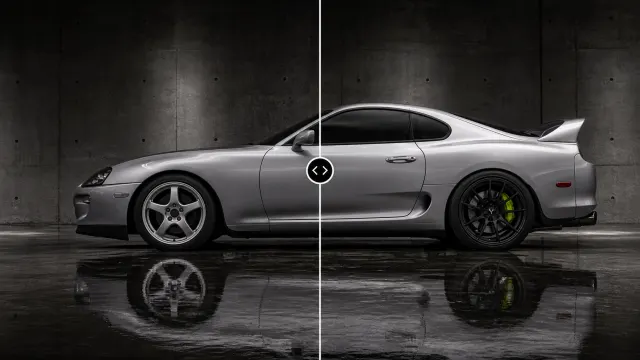
Wheel Visualizer
Preview wheels on your car before you buy. Upload a vehicle photo, use presets or references, and generate realistic visual concepts.
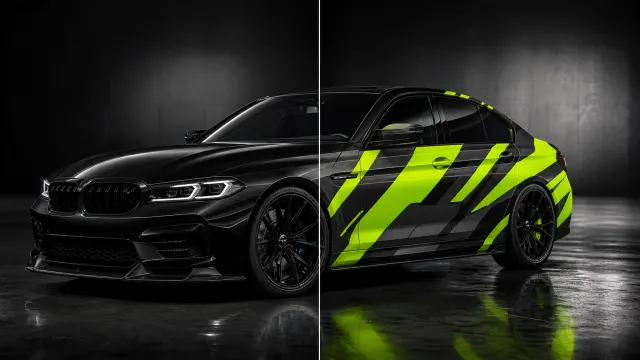
Car Wrap Visualizer
Preview car wraps on your vehicle before installation with presets, references, and realistic AI-generated visual concepts.
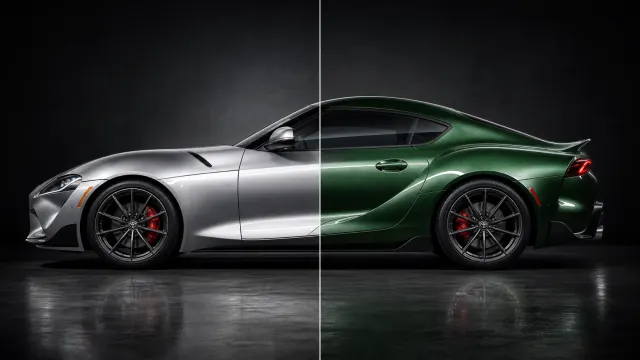
Paint Visualizer
Test car paint colors before you commit with realistic AI visual concepts from your vehicle photo.
Body Kit Visualizer
Preview body kits on your car before the build with realistic AI visual concepts from presets or references.